Revenue Source Stats · Features
See which campaign did the work
Tag your links and Revenue Source Stats splits visits by campaign, source and medium. Then build a funnel to see where people drop off.
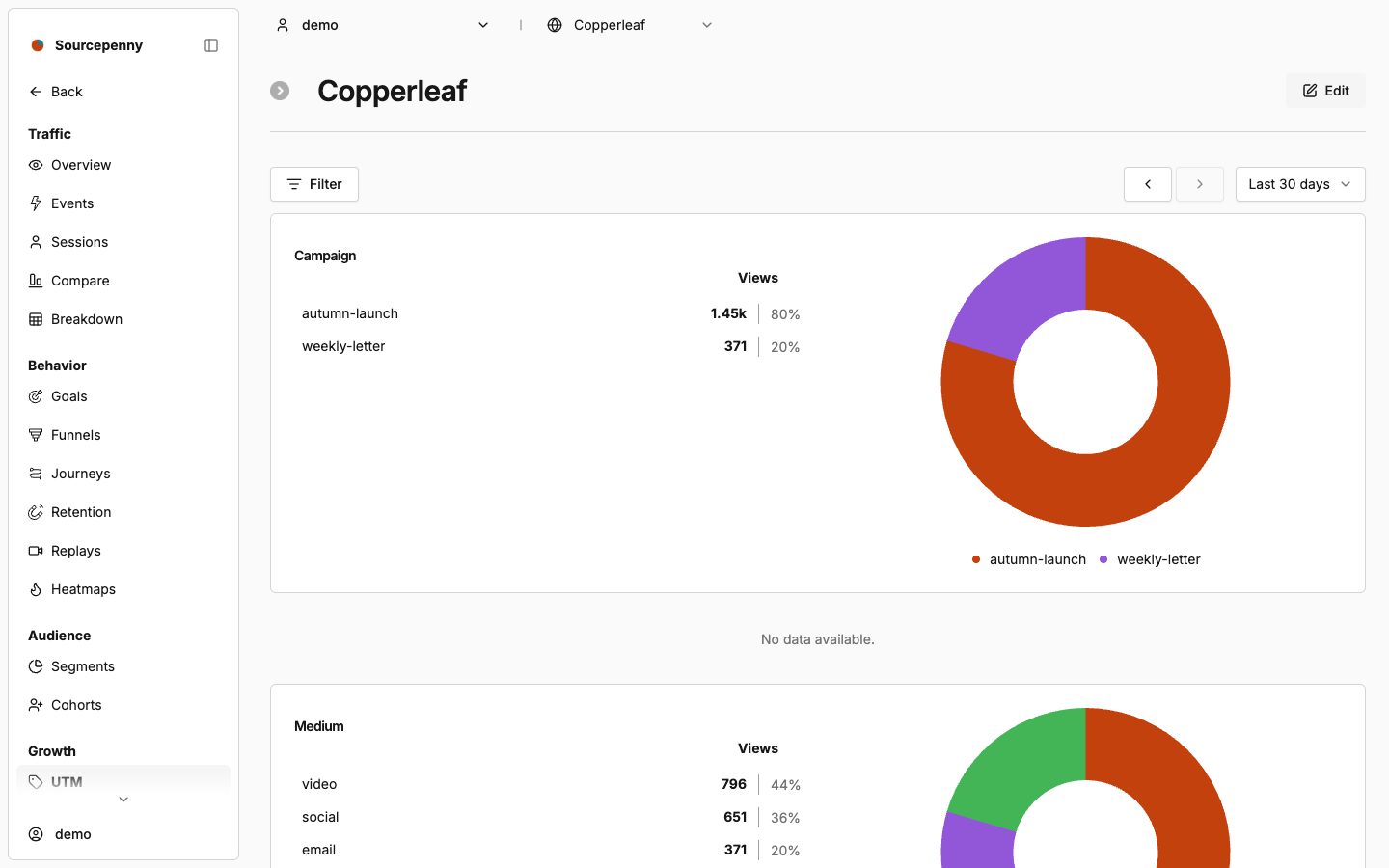
A real screen of Revenue Source Stats, with sample data.
Add UTM tags to your links and the UTM report splits visits by campaign, source, medium, content and term.
Funnels show how many people get from one step to the next. Journeys show the paths they really take. Retention shows how many come back week after week.
- Campaign, source, medium and content
- Funnels and goals
- Journeys and retention
How to use it
- Tag your links with utm_campaign.
- Open UTM.
- Build a funnel from the steps that matter.
More in Revenue Source Stats
Website overview
Visitors, visits, views, bounce rate and time on site, with where people came from and what they read.
Revenue by source
Send the order value with one line of code. Revenue Source Stats adds it up by channel, campaign and country.
Events and goals
Track sign-ups, checkouts and downloads with an attribute on the button, and see them by day.